
Talk & Note1.7.6 - Google Play
You'll be able to see results in few seconds.
Publisher Description
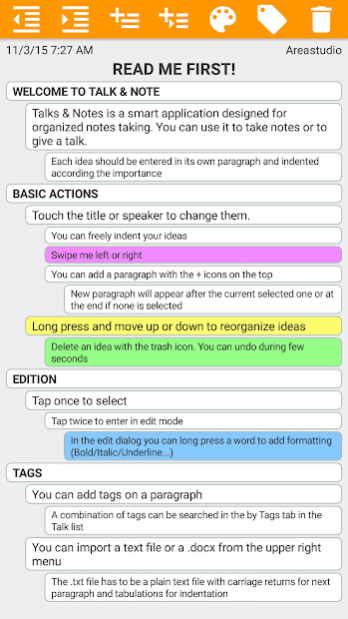
Talk & Note is a notes taking application with hierarchical presentation and mindmap view.
It can be used to take notes during a talk, or for the speaker to give his conference (import .docx or .txt files).
You can freely move ideas up or down, change the indent. The rich text formatting helps you to highlight important parts.
You can organize your notes in folders and use password protection for confidentiality.
You can add Tags to parts of your notes to create a database of ideas to re-use in other contexts.
Features :
- Create notes with title and speaker
- Organize notes in folders
- Hierarchical presentation
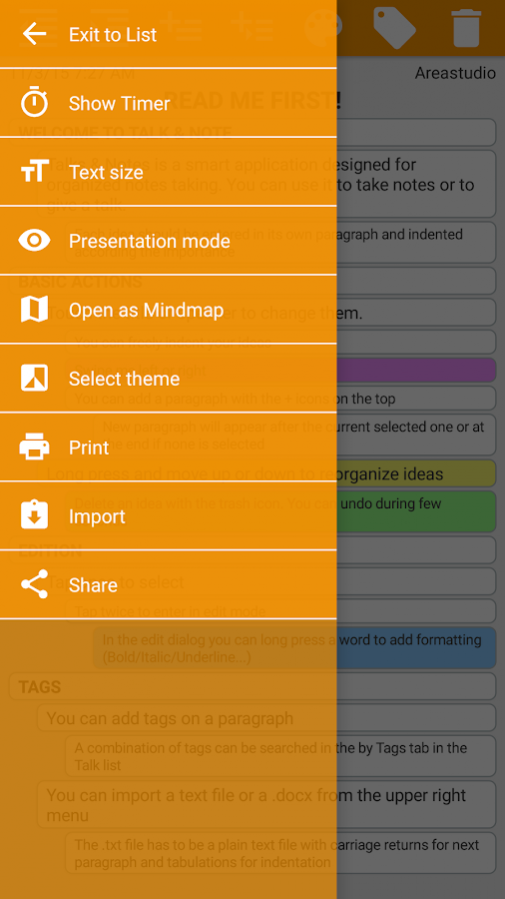
- Mind map view
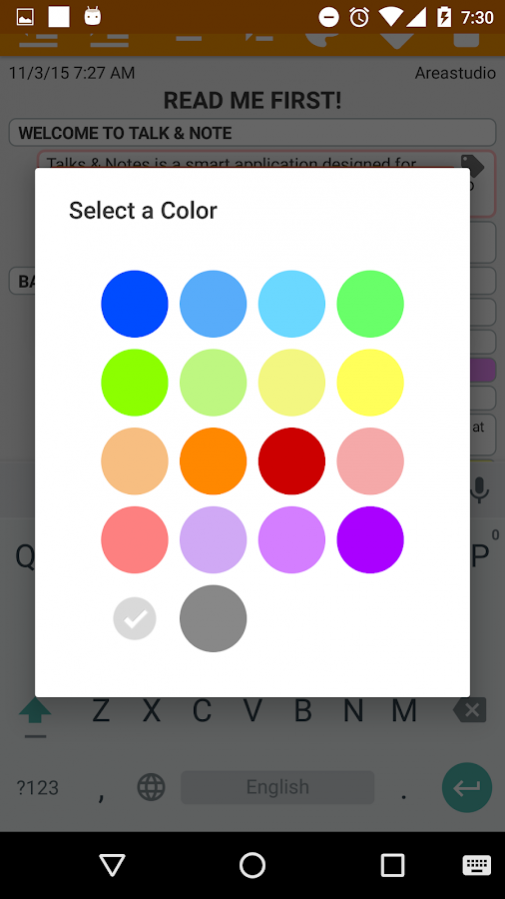
- Emphasis with colors
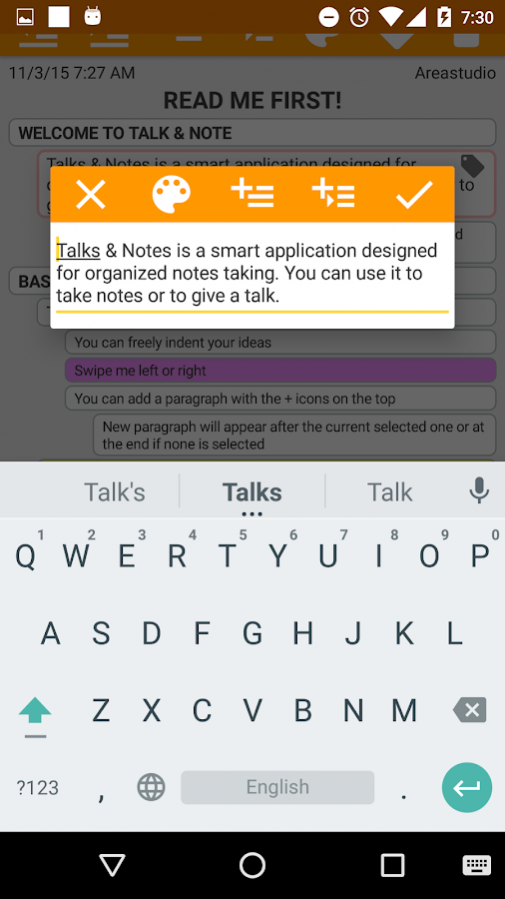
- Text formatting (bold, italic, underline, strikethrough
- Tags on paragraphs and search by tags
- Import .txt or .docx file with tabs indentation preserved
- Presentation Mode (Edition disabled)
- Themes (Normal, Minimal, Night)
- Timer for speaker
- Password protected Folders for confidential notes
- Could sync (Google Drive)
About Talk & Note
The company that develops Talk & Note is AreaStudio. The latest version released by its developer is 1.7.6.
To install Talk & Note on your Android device, just click the green Continue To App button above to start the installation process. The app is listed on our website since 2019-06-23 and was downloaded 0 times. We have already checked if the download link is safe, however for your own protection we recommend that you scan the downloaded app with your antivirus. Your antivirus may detect the Talk & Note as malware as malware if the download link to com.areastudio.talksandnnotes is broken.
How to install Talk & Note on your Android device:
- Click on the Continue To App button on our website. This will redirect you to Google Play.
- Once the Talk & Note is shown in the Google Play listing of your Android device, you can start its download and installation. Tap on the Install button located below the search bar and to the right of the app icon.
- A pop-up window with the permissions required by Talk & Note will be shown. Click on Accept to continue the process.
- Talk & Note will be downloaded onto your device, displaying a progress. Once the download completes, the installation will start and you'll get a notification after the installation is finished.
Program Details
System requirements
Download information
Pricing
Version History
version 1.7.6
posted on 2019-06-23
Fix sync error
version 1.7.0
posted on 2017-07-30
Fixed return lines in the new editor.
Updated comment popup.
version 1.5.1
posted on 2016-09-26
v1.5.1,Bug fix : Android 5.1 edition mode,v1.5.0,Update : New folder view design,Bug fix : crash opening new note,Bug fix : synchronization,v1.4.4,New : New Font menu to change the style of the document,New : Comment tool, to add extra info on idea (timestamp, review ...),Bug fix : Images loading,Bug fix : Text selection,v1.4.0,New search function,Left menu button in toolbox,Bug fixes :,- fullscreen enable/disable,- preserve edited text during rotation,v1.3.7,Bug fix,v1.3.6,...
Disclaimer
Official Google Play Link
We do not host Talk & Note on our servers. We did not scan it for viruses, adware, spyware or other type of malware. This app is hosted by Google and passed their terms and conditions to be listed there. We recommend caution when installing it.
The Google Play link for Talk & Note is provided to you by apps112.com without any warranties, representations or guarantees of any kind, so access it at your own risk.
If you have questions regarding this particular app contact the publisher directly. For questions about the functionalities of apps112.com contact us.
